

Commercial finance workflow software
Every transaction routed from first contact to loan documents.
Build the workflow that matches how your desk actually runs. Stages, tasks, owners and service levels per product, with stalled files flagged before a client has to chase you.
- 30 minutes
- No slide deck
- No obligation
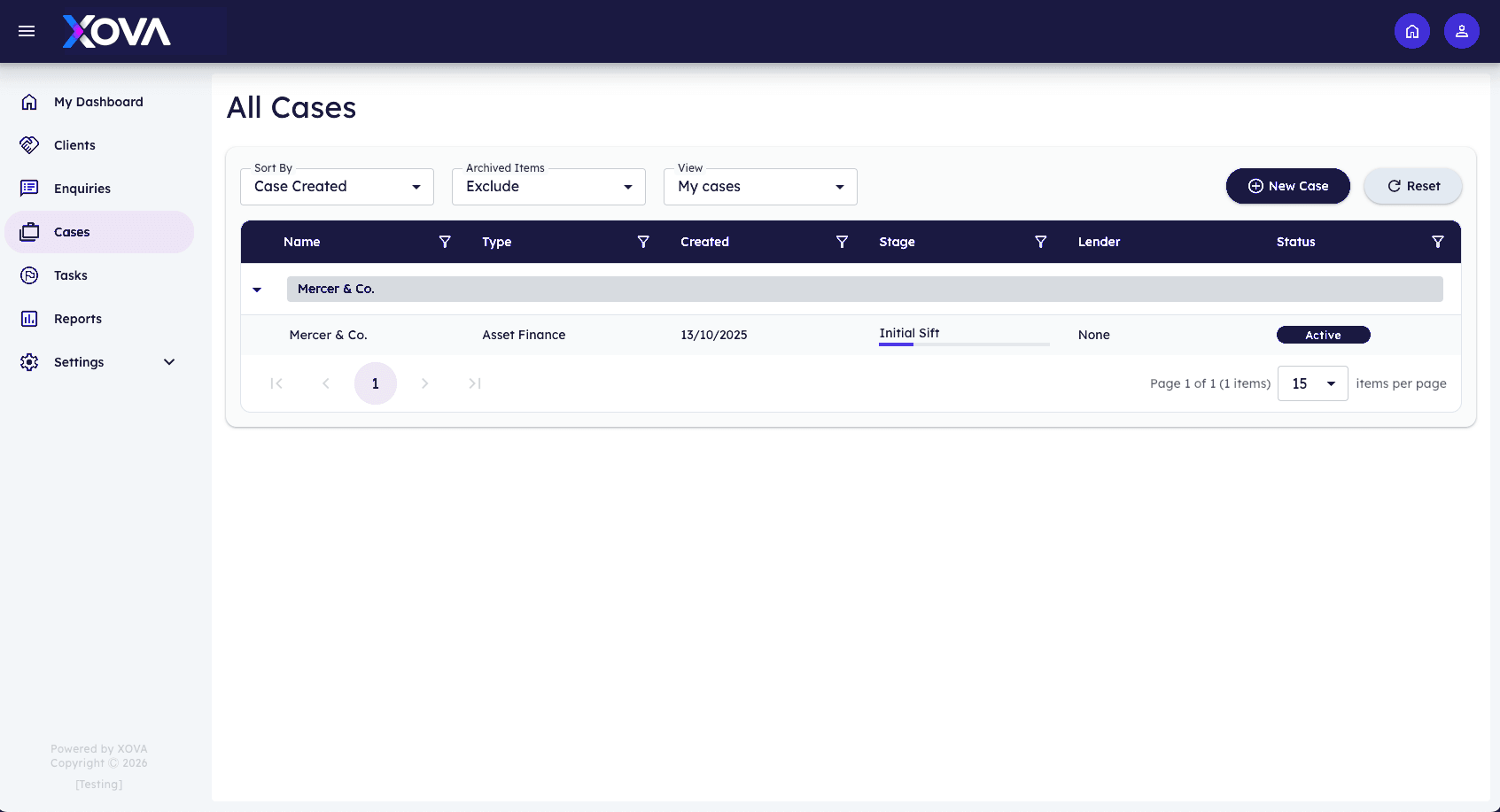
Actual Xova platform view showing workflow management.
The problem
Where brokerages lose time on workflow management
Process lives in people's heads. Each broker works a case their own way, handovers happen by email, and when someone is on holiday the desk has to reconstruct where the deal had got to.
- No agreed next step on a case
- Work sitting with nobody in particular
- Deals stalling quietly between stages
A pipeline per product
Bridging does not move like development finance. Give each product its own stages, entry criteria and task set, and let the same team work across all of them without switching systems or conventions.
- Unlimited product workflows
- Entry and exit criteria per stage
- Templated task sets applied automatically
Ownership that is never ambiguous
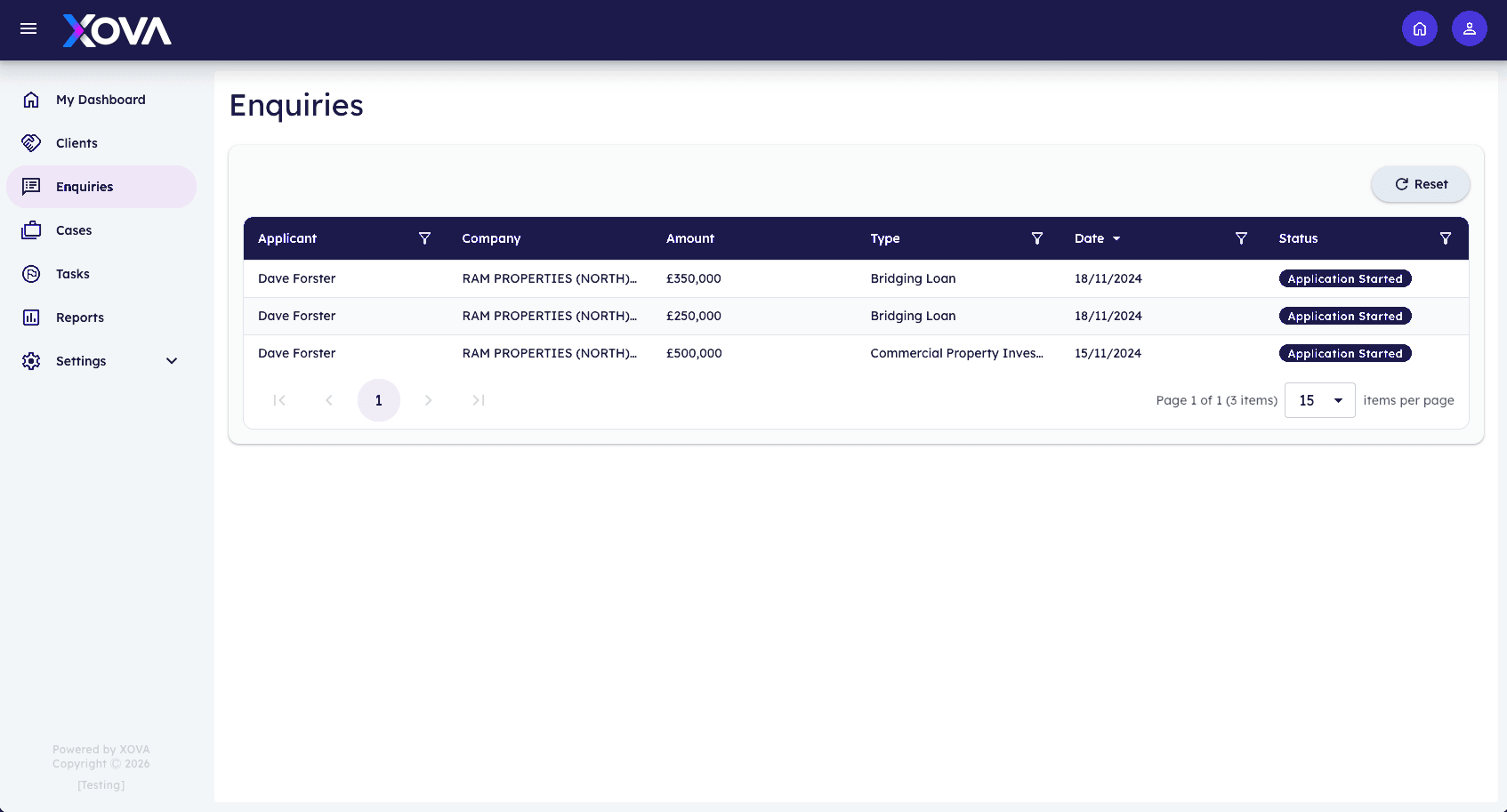
Every task has an owner and a due date the moment it is created. Reassignment carries the history with it, so cover during holiday or handover between broker and case manager does not lose context.
- Single named owner per task
- Handover with full context preserved
- Team and individual workload views
Escalation before the client notices
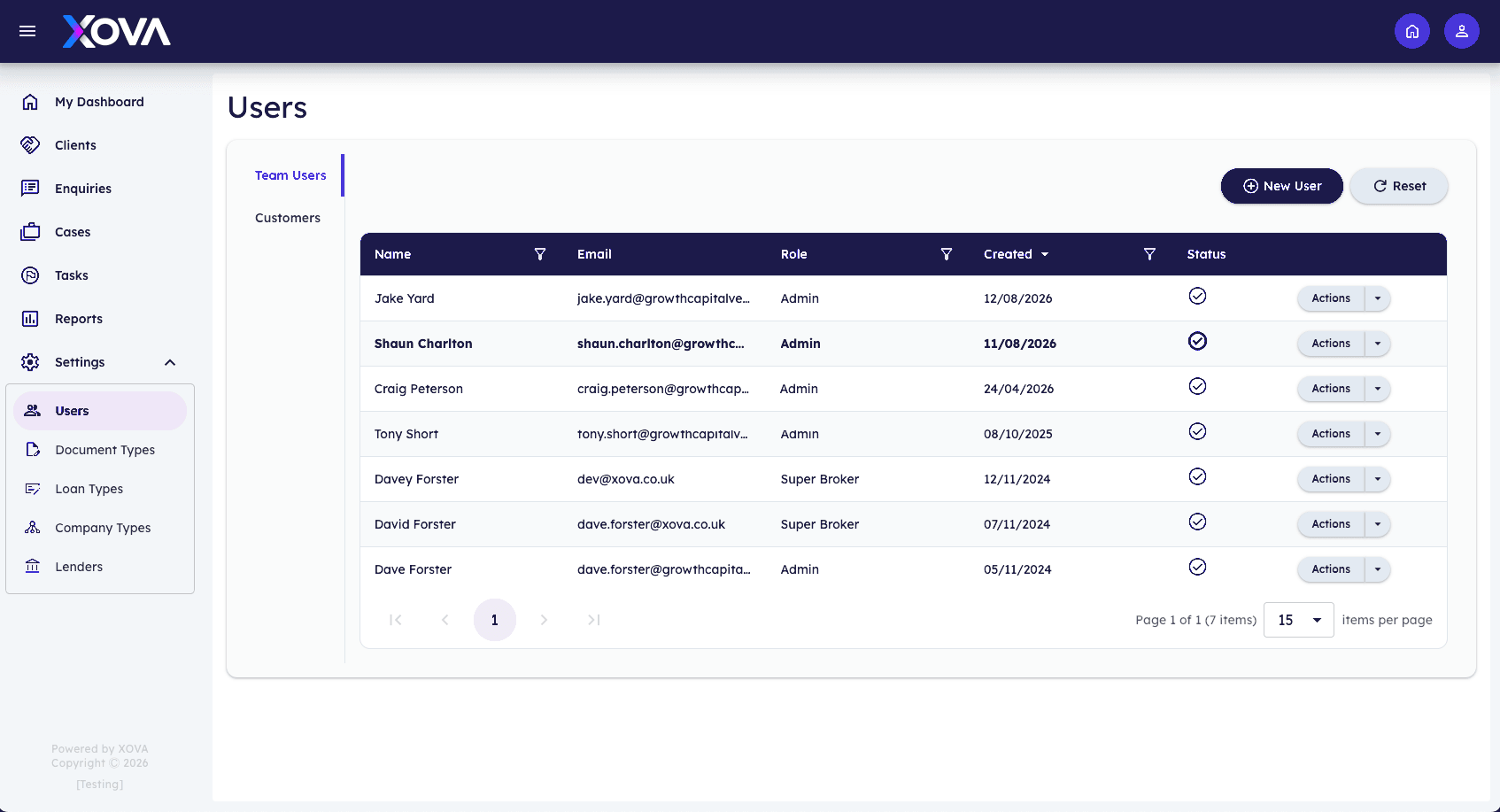
Set the service level you want to hold yourself to, and let Xova surface the files drifting past it. Silent stalling is the most expensive failure in broking, and it becomes visible while there is still time to act.
- Service levels by stage and product
- Automatic escalation on breach
- At-risk view for managers
Service levels

See workflow management on one of your own cases.
A 30-minute walkthrough configured around the products you broker.
- 30 minutes
- No slide deck
- No obligation
UK hosted
Client data stays in the United Kingdom.
Full audit trail
Every check, document and decision is time stamped.
Built for UK GDPR
Retention, access and consent handled inside the client record.
API first
Connects to the tools your desk already runs on.
How it works
Workflow management in four steps
Map the stages
Describe the route a deal takes for each product you broker.
Attach the work
Add the tasks, documents and checks each stage requires.
Route the files
New enquiries enter the right pipeline and the first tasks are assigned.
Manage by exception
Work the flagged files; the rest progress on their own.
“Deals rarely die from a bad decision. They die from a week where nothing happened and nobody noticed.”
Questions
Frequently asked
Can we change a workflow once deals are live?
Yes. Live files keep the workflow they started on unless you choose to migrate them, so changes never scramble work in progress.
How granular can tasks get?
As granular as you want. Most desks start with a handful of stage-level tasks and add detail as the process settles.
Does it handle joint cases across two brokers?
Yes. Tasks are owned individually while the case has its own lead, so shared files stay accountable.
Explore next
Customisable CRM
Model your own pipelines across every product you broker.
Explore customisable crmCompliance management
Evidence captured at the point of work, not reconstructed later.
Explore compliance managementInsightful dashboards
Pipeline, conversion and compliance risk at a glance.
Explore insightful dashboardsFurther reading
From the Insights desk
Lending
Invoice finance and working capital: when it fits, when it doesn't, and what lenders ask for
Invoice finance solves a specific problem, cash tied up in unpaid invoices, and it isn't the right answer to every working capital gap.
Craig Peterson · 9 September 2026 · 8 min read
Read articleLending
Proving a credible exit strategy on bridging and development deals
Short-term lenders underwrite the exit as closely as the asset. A vague sale-or-refinance line is where too many strong deals stall in credit.
Craig Peterson · 9 September 2026 · 8 min read
Read articleGrowth
Scaling a broker firm past the founder
Most commercial finance brokerages stall at the point where the founder is the process. Here's how to grow past that without quality falling apart.
Craig Peterson · 9 September 2026 · 8 min read
Read articleSee workflow management against your own process.
We’ll configure a walkthrough around the products you broker.